

- Home >
- Tolling & How to Pay > Vehicle Classes & Tags
Vehicle Classes & Tags
Different tolls apply to different classes of vehicle.
Make sure your tag class matches your vehicle class.
The vehicle tolling classes are defined as follows:
Cars are motor vehicles other than those that comply with the motorcycle, light commercial vehicle, heavy commercial vehicle or taxi classifications (below). Cars include those Cars towing trailers and caravans.
Light Commercial Vehicles (LCV) have two axles, cab-chassis construction, and a gross vehicle mass greater than 1.5 tonnes but not exceeding 4.5 tonnes.
Heavy Commercial Vehicles (HCV) include all of the following vehicles:
Vehicles with three or more axles, cab-chassis construction, and a gross vehicle mass greater than 1.5 tonnes;
Articulated Vehicles with cab-chassis construction, and a gross vehicle mass greater than 1.5 tonnes;
Buses with more than 12 seating positions (including the driver);
Vehicles with two axles, cab-chassis construction, and a gross vehicle mass greater than 4.5 tonnes; and
All other vehicles with a gross vehicle mass greater than 30 tonnes.
Motorcycles (no tag required) are two wheeled motor vehicles (including those with side cars).
Taxis are motor vehicles licensed for operation as a taxi-cab under the Transport Act 1983 (Vic).
Vehicle tolling classes are set by law in Victoria.
EastLink, CityLink and West Gate Tunnel use the same vehicle classes
your vehicle is classified by how it is built, not how you use it
classes are checked using manufacturer information
If you travel interstate:
tolls may use a different classification system
Your tag must be the same class as your vehicle’s tolling class.
If the wrong type of tag is used:
you may be charged incorrectly
or you may receive a toll invoice
We do not issue tags for motorcycles
Motorcycles do not pay an image processing fee
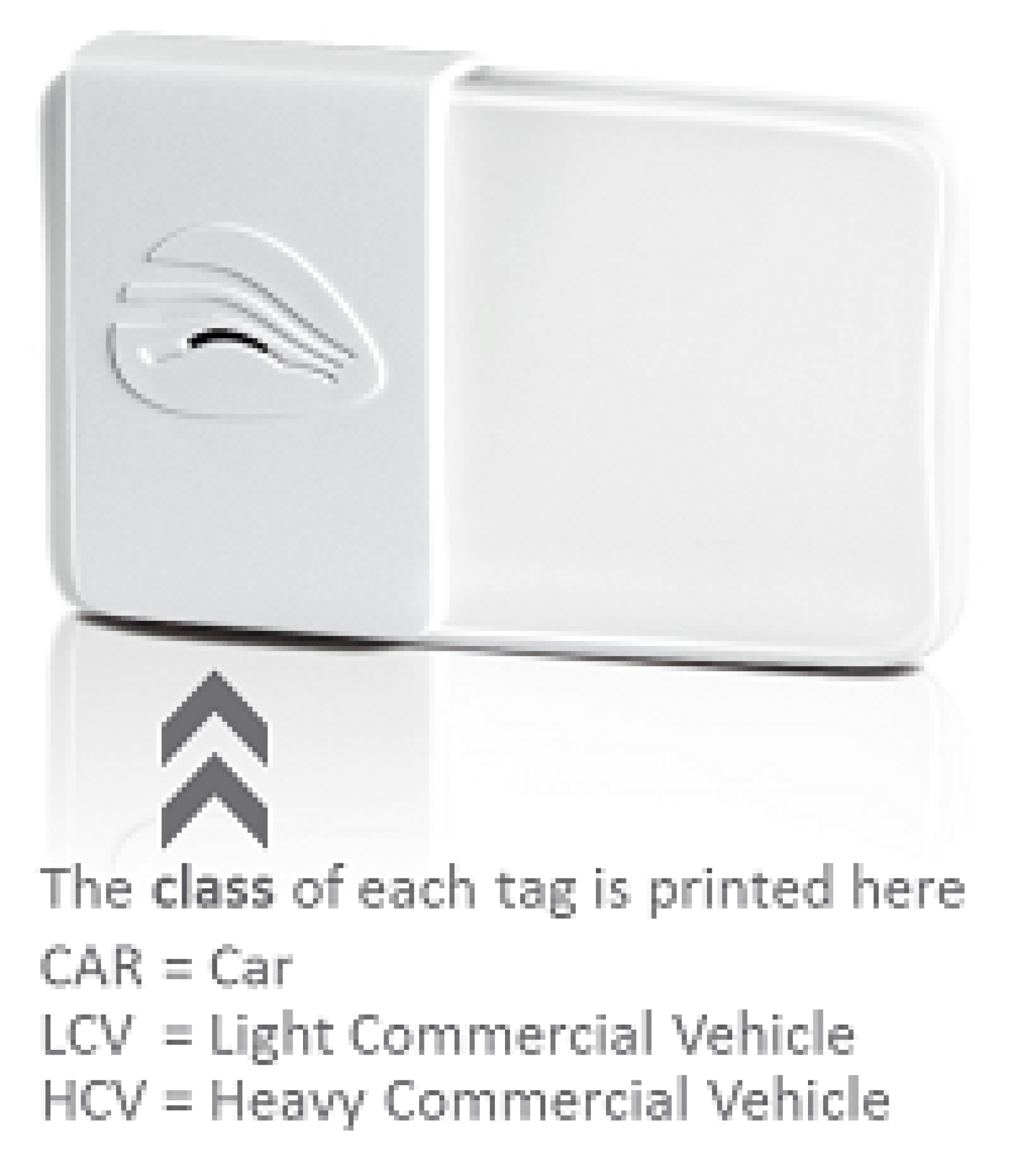
You must install your tag correctly in your vehicle by following these installation instructions.
Newer style tag (issued by EastLink from mid September 2019):
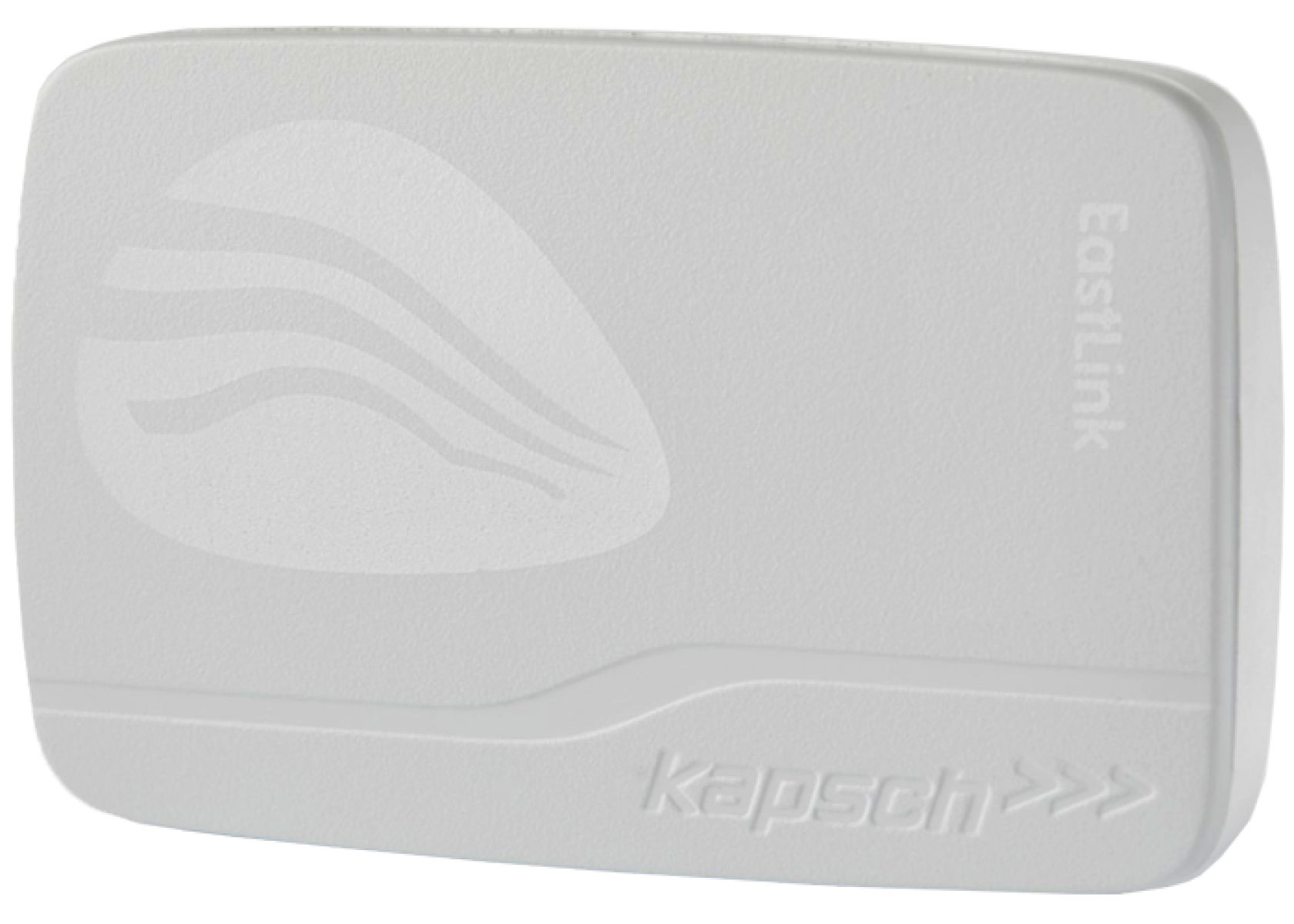
Tag Installation Instructions - newer style tag
Older style tag:
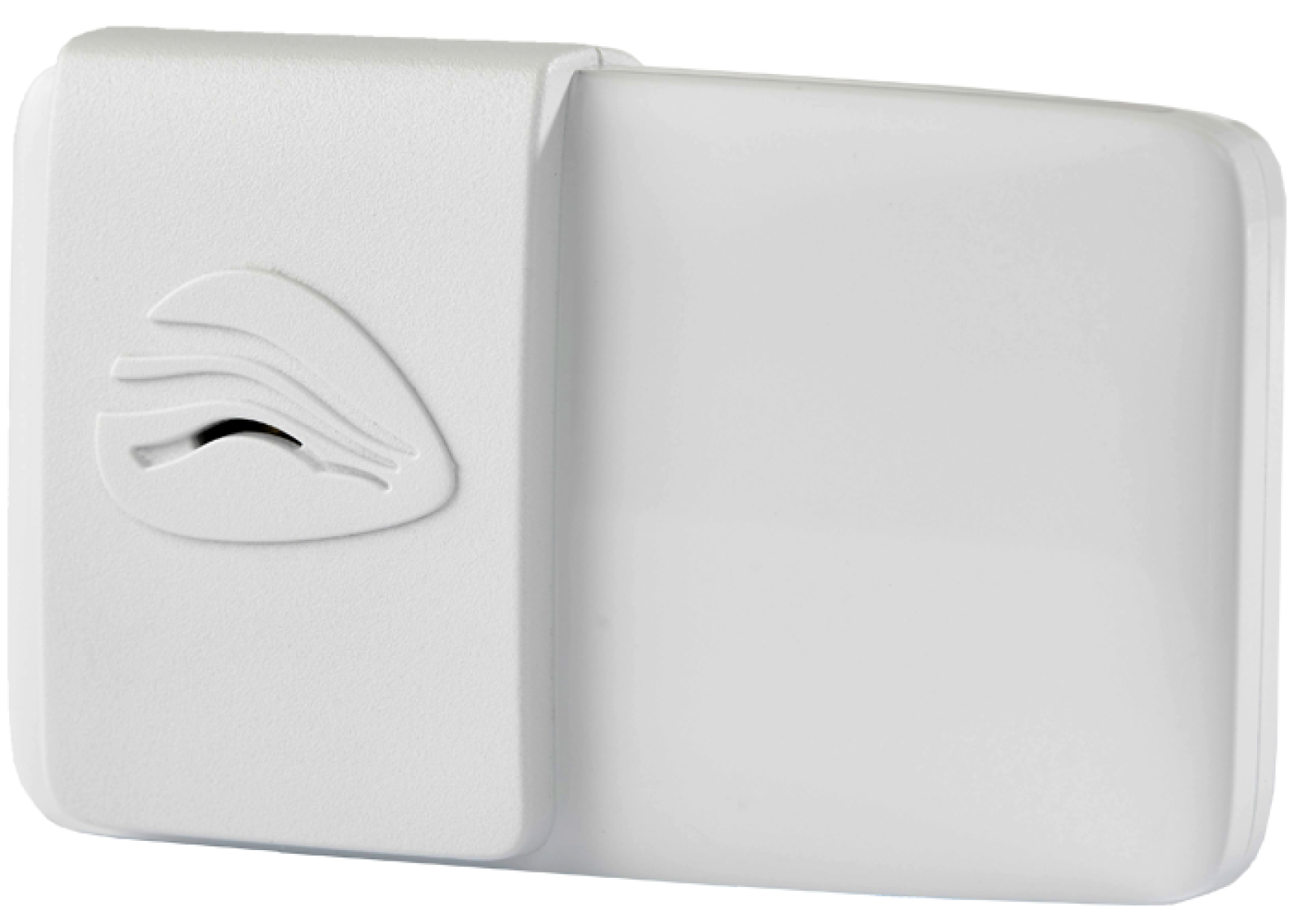
Your tag should beep when you pass under a toll point.
1 beep = tag working (no action needed)
3 beeps = low balance (top up soon)
4 beeps = account suspended (buy a trip pass and fix your account)
No sound = tag may not be working or not installed correctly
Your tag should beep each time you travel.
If it does not beep, check these things:
1. Check installation
make sure the tag is installed correctly
2. Check your windscreen
Some vehicles (often European cars) have special glass that can block the signal.
check your vehicle manual
place the tag in the correct position
3. Contact us if needed
Contact EastLink if:
your EastLink tag is installed correctly but still not working
your vehicle does not have a suitable tag position
We may need to replace your tag.
Important
Even if your tag does not beep:
your trip will still be charged to your account
but an extra image processing fee will apply
To avoid this:
make sure your tag is working
make sure your vehicle is added to your account
Installing an EastLink tag
How to install an EastLink tag in your vehicle. The vehicle also needs to be added to your EastLink account.
Understanding tag beeps
EastLink tags beep when passing each toll point. Find out what the beeps mean and what you may need to do when you hear them.
Removing an EastLink tag
How to remove an EastLink tag from your vehicle. Remember to remove the vehicle from your EastLink account if you have sold it.